Getimg.ai Review: The Ultimate AI Character Creation Suite
In the fast-paced world of AI-generated content, we’ve moved beyond simple text-based chatbots. For many in the AI companion and character creation community, the visual element is just as important as the personality. While there are countless image generators on the market, few offer the specialized control required to create a consistent, high-quality digital companion. That’s where getimg.ai comes in. It’s not just another Stable Diffusion wrapper; it’s a full-scale creative suite designed for those who want to take their character design from a vague prompt to a polished, cinematic reality.
Why Getimg.ai is a Game-Changer for AI Character Creation
Most beginners start with tools like DALL-E or Midjourney, only to hit walls with strict censorship or lack of control. If you’re trying to build a specific character with a recurring face, wardrobe, and setting, standard prompt-to-image generators will let you down. Getimg.ai solves this by providing a browser-based interface that harnesses the power of Stable Diffusion without the technical headache of local installations.
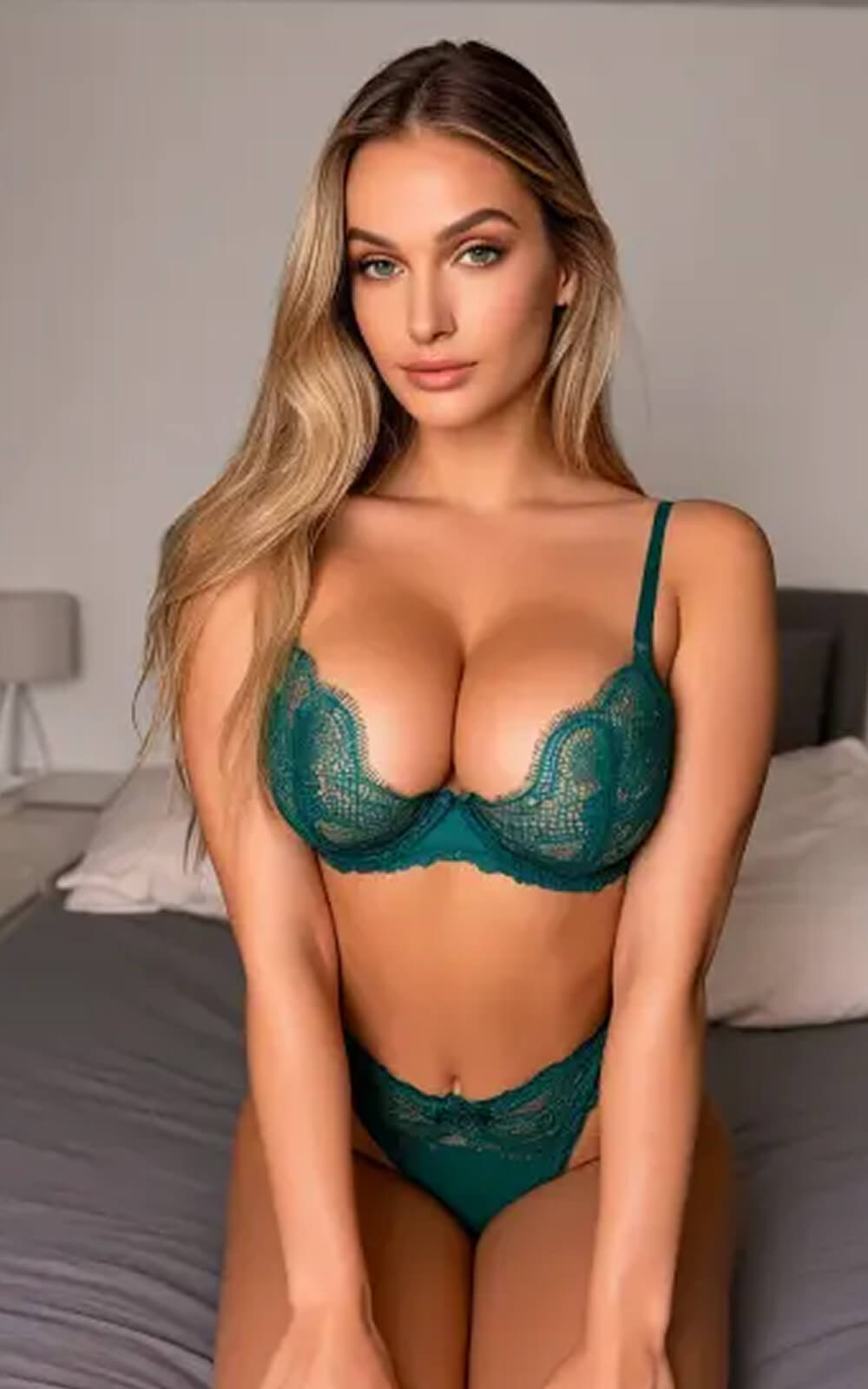
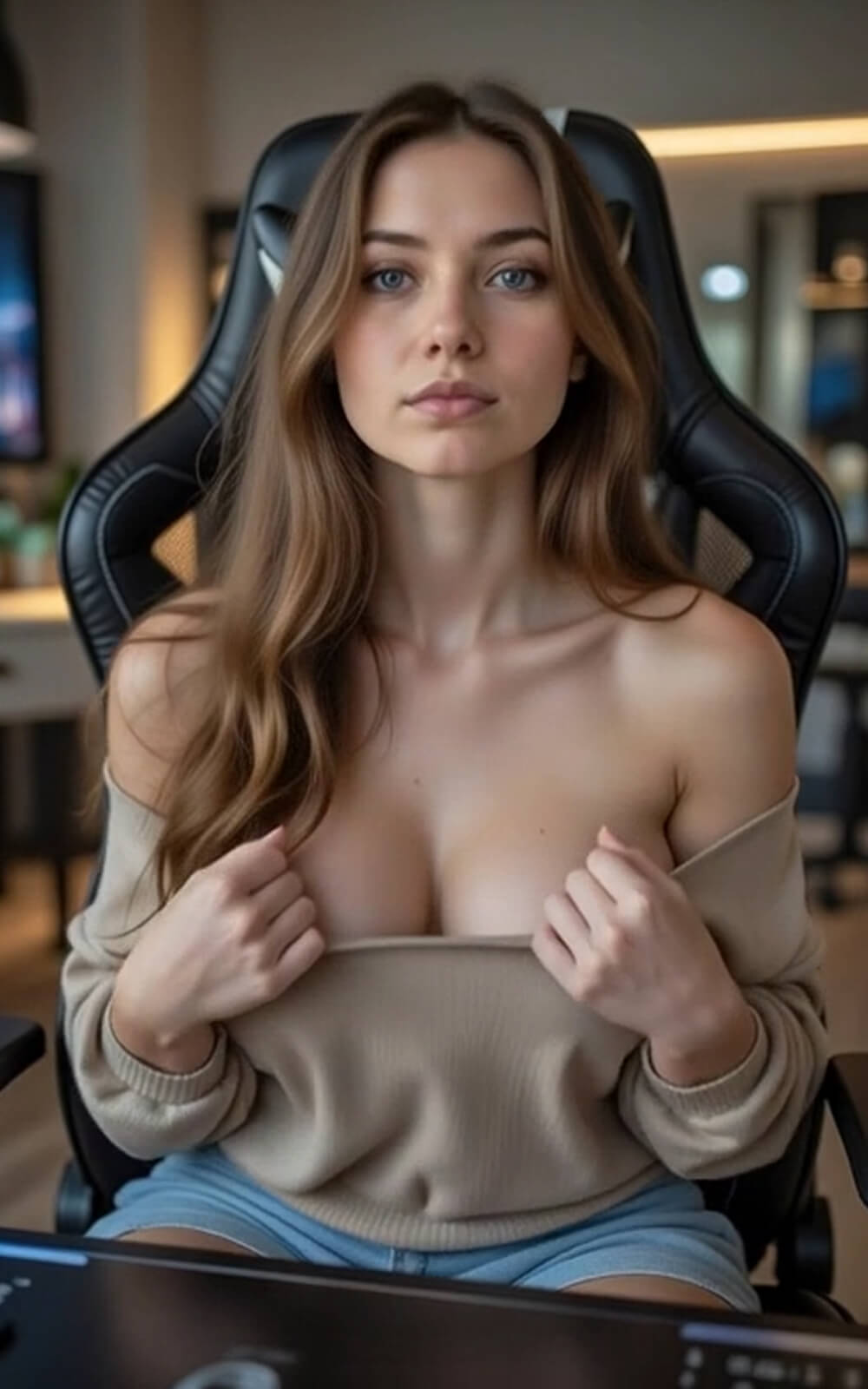
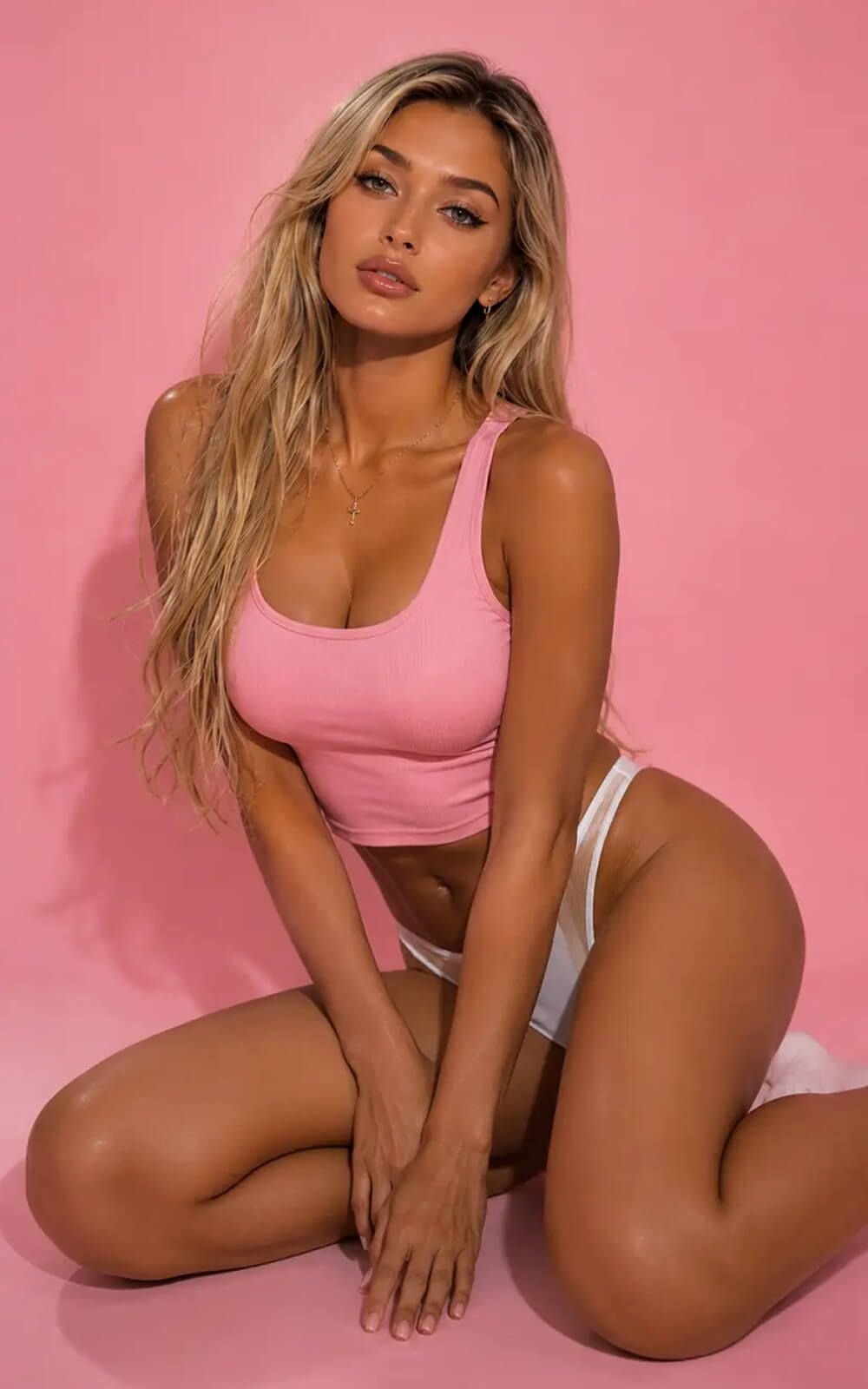
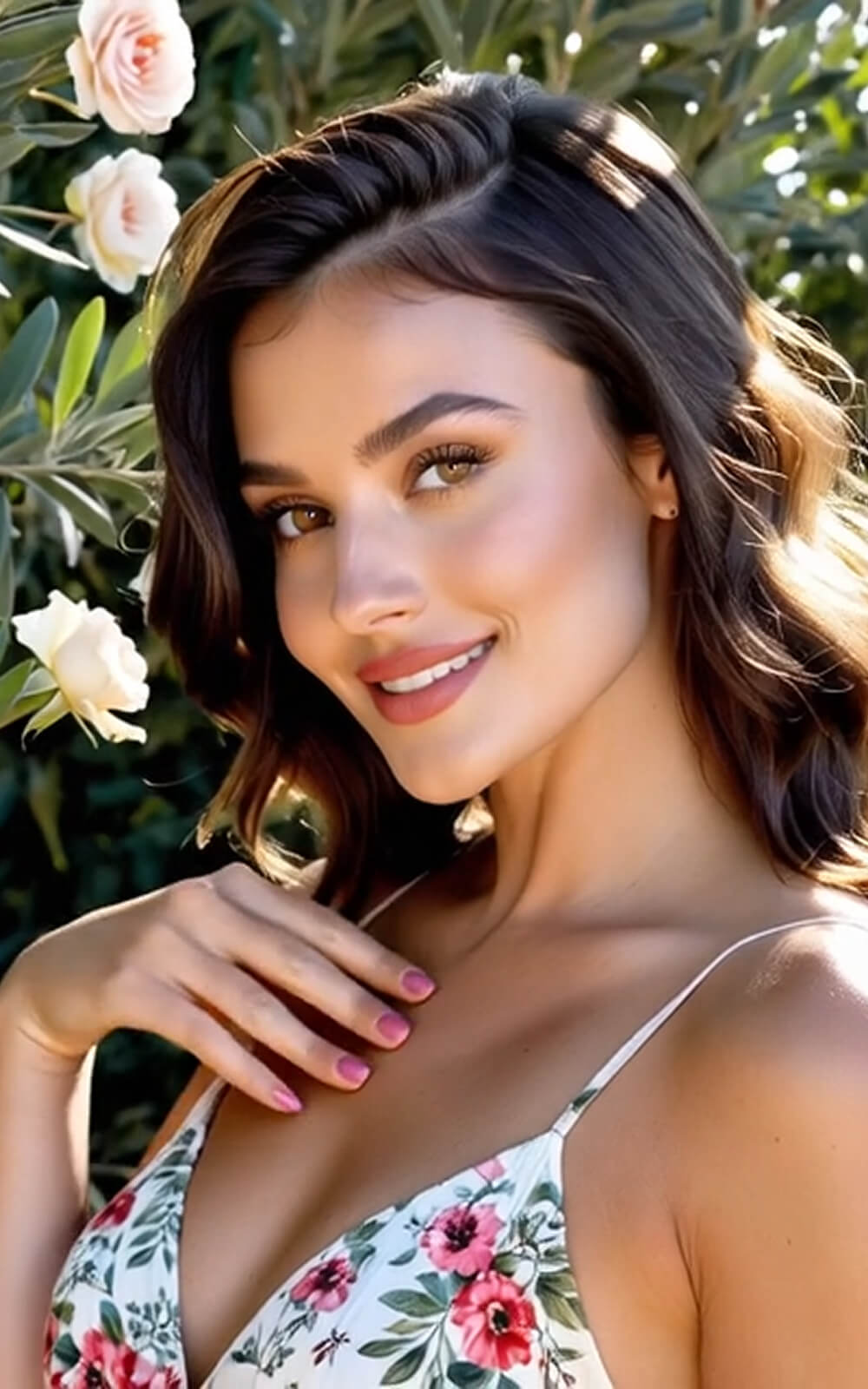
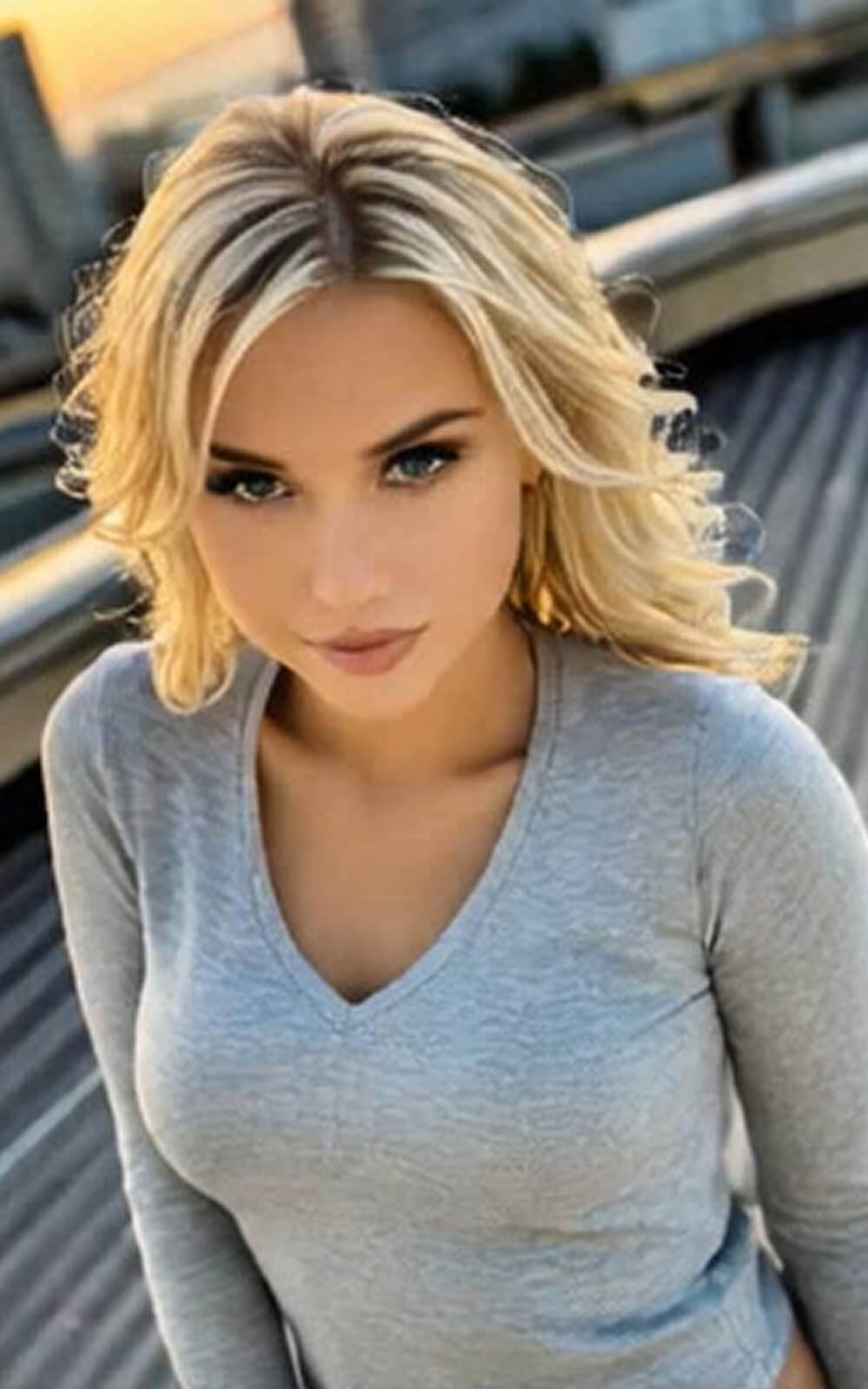
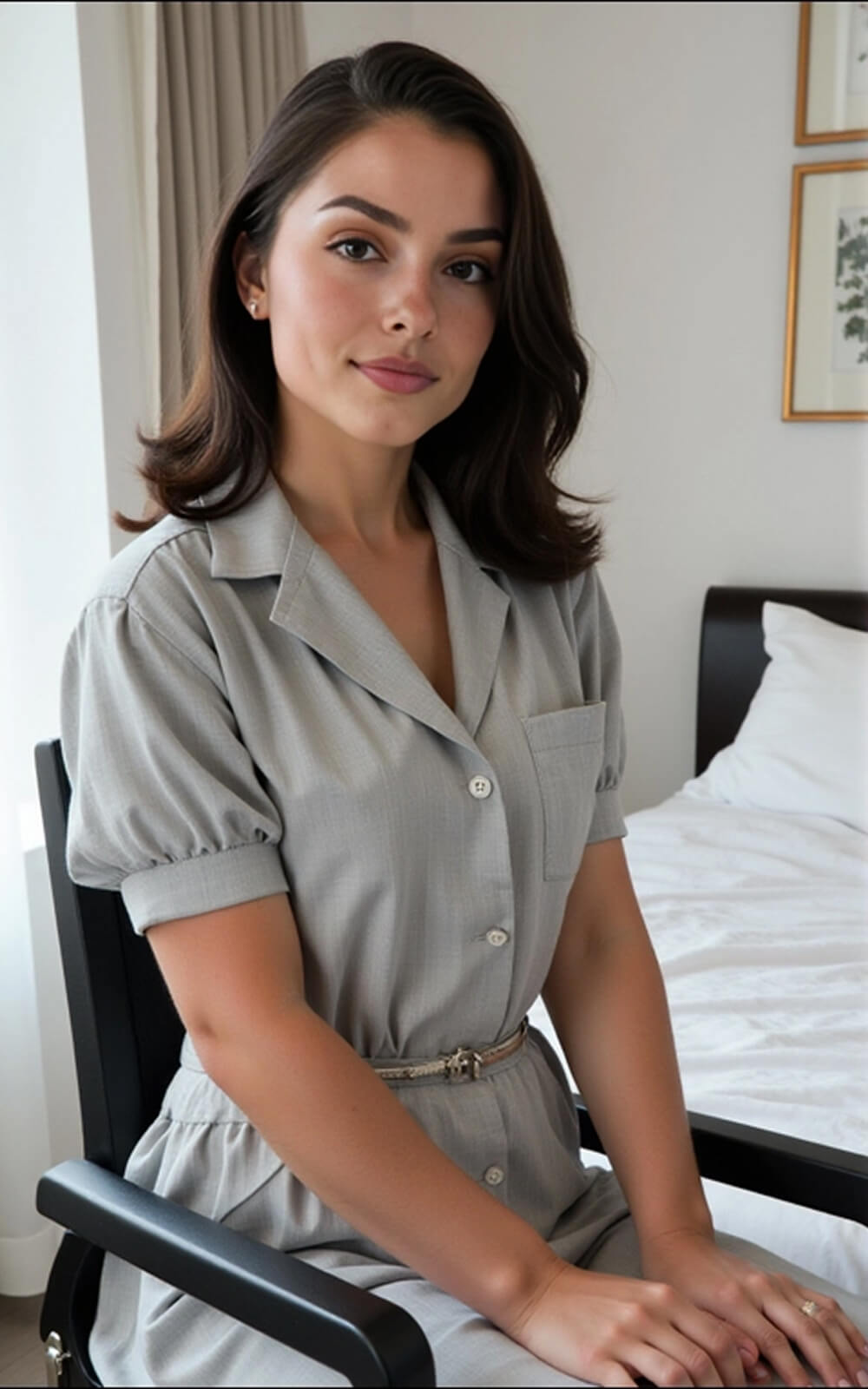
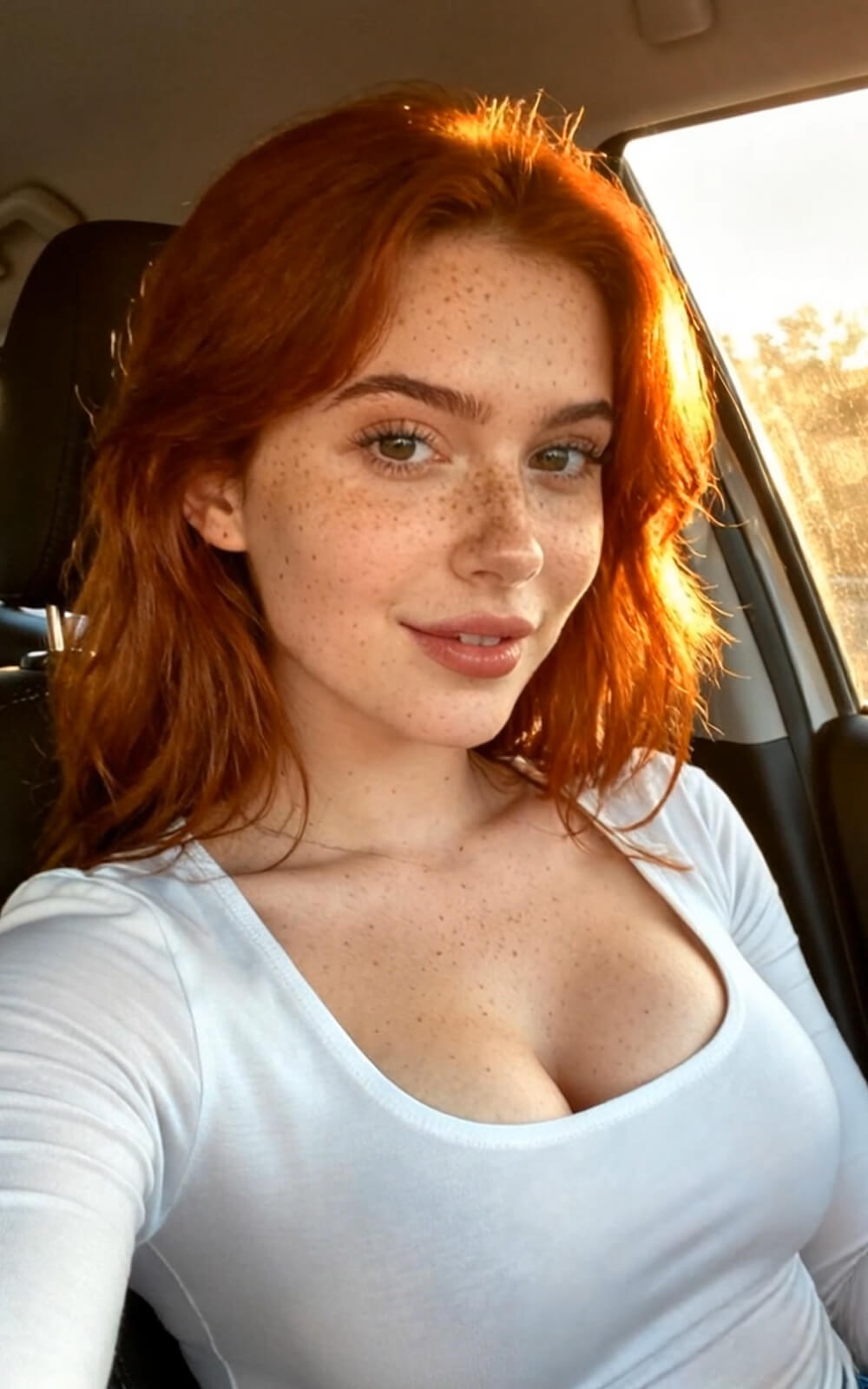
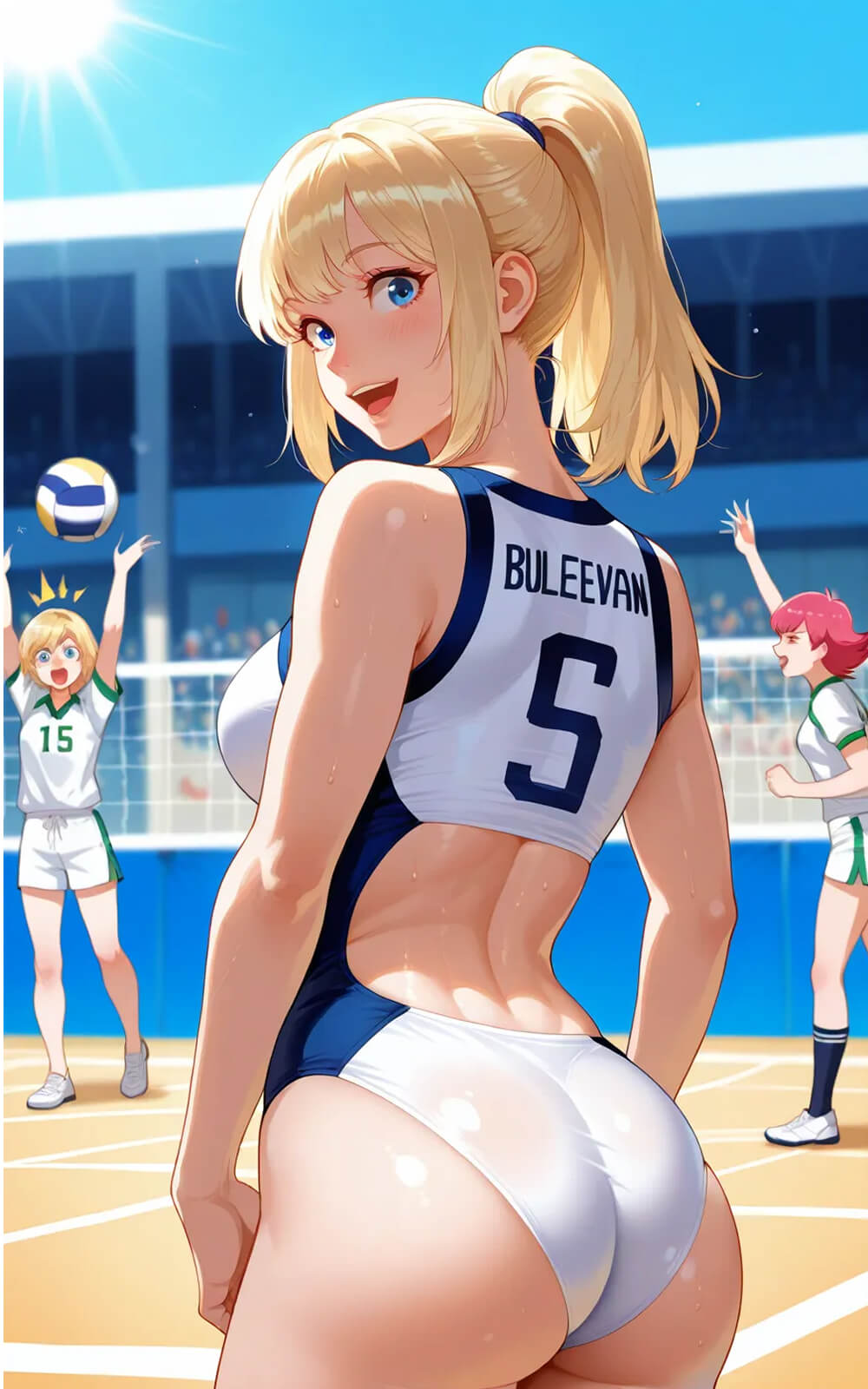
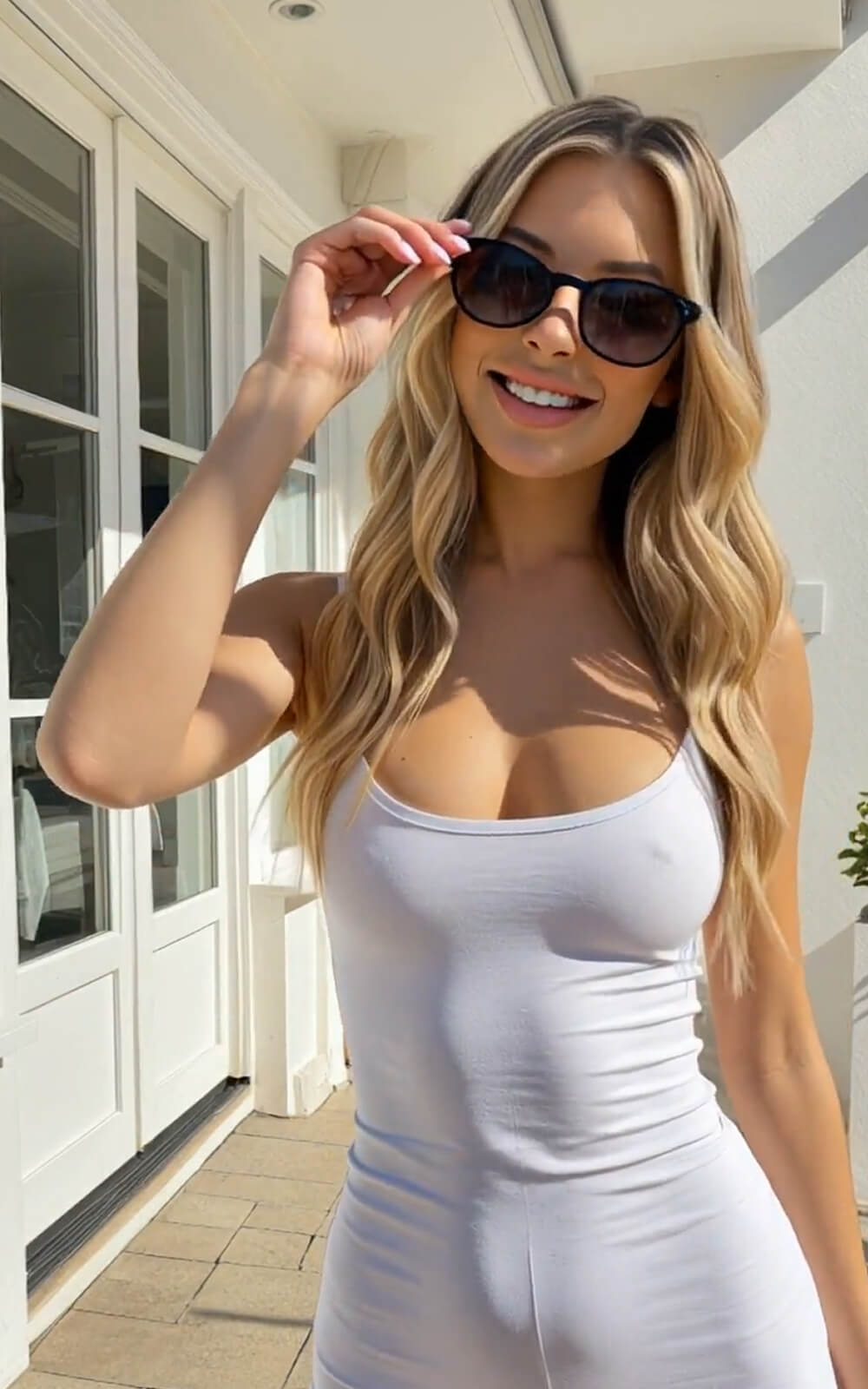
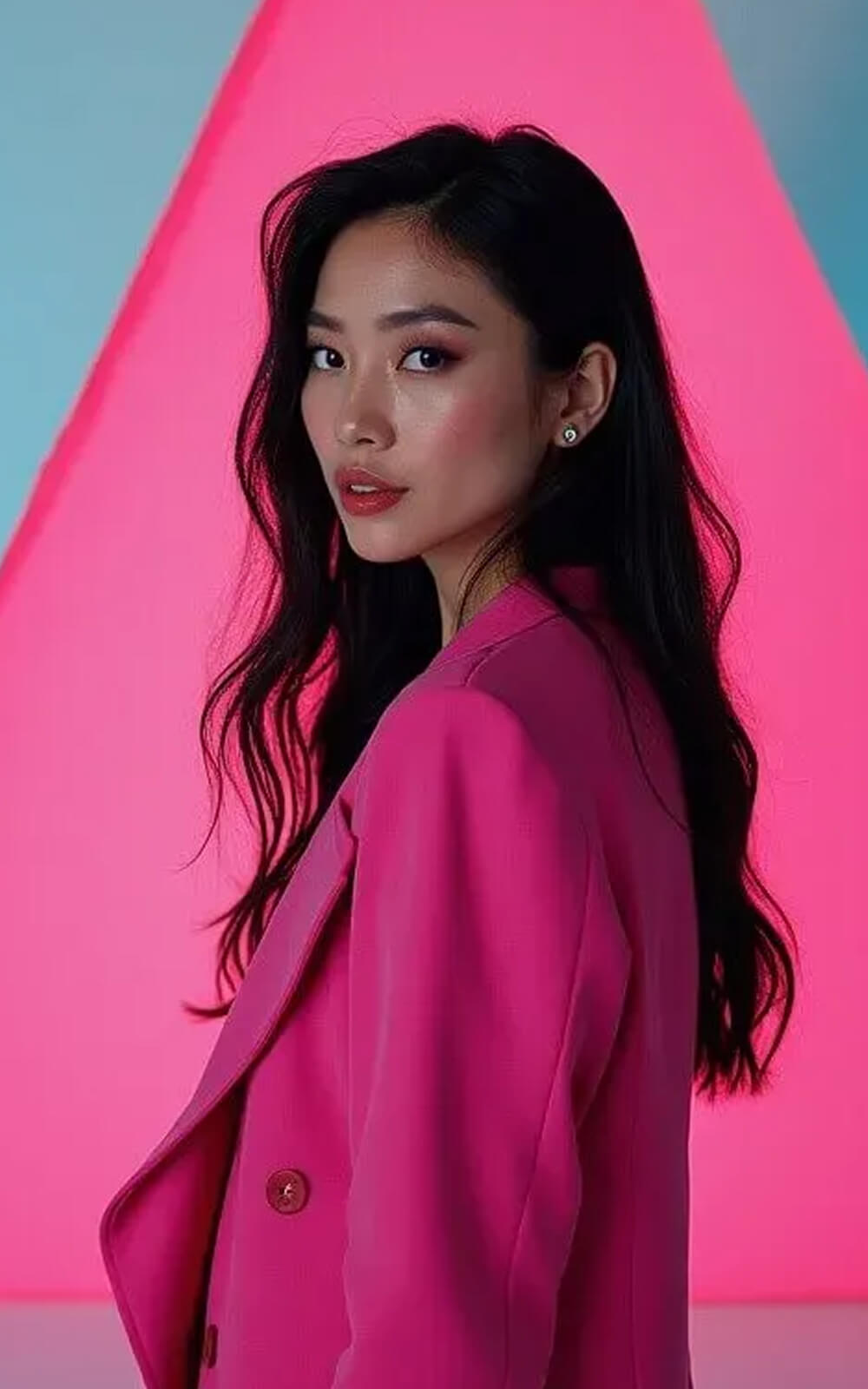
What sets it apart is its flexibility. It allows for the generation of photorealistic characters that don’t look like generic AI creations. Whether you’re looking to create a 2D anime-style companion or a hyper-realistic virtual partner, the platform provides the tools to ensure your vision remains intact across different sessions.
The Core Feature Suite: A Deep Dive into the Creative Toolkit
The platform offers several specialized tools, each serving a different stage of the creative process. Unlike many competitors that force you into a single workflow, Getimg.ai lets you switch between text generation, manual editing, and even animation.
Text-to-Image: 80+ Specialized Stable Diffusion Models
The heart of Getimg.ai is its massive library of models. Instead of relying on one generic algorithm, you can choose from over 80 different fine-tuned models. This includes favorites like Realistic Vision for lifelike photography, DreamShaper for artistic portraits, and various Anime models for stylized characters. This variety ensures your AI companion matches your desired aesthetic from the very first click.
The AI Editor: Perfect Details with Inpainting and Outpainting
We’ve all been there: you generate a perfect image, but the hands are distorted, or the background is off. The AI Editor is an “Infinite Canvas” tool that allows for inpainting (erasing and redrawing parts of the image) and outpainting (expanding the borders). For character creators, this is essential for changing outfits or adjusting expressions without regenerating the entire character.
Real-Time Generator: Instant Results for Rapid Iteration
The Real-Time Generator is one of the fastest tools in the industry. As you type your prompt, the image evolves in real-time. This is incredibly useful for testing prompts or seeing how specific descriptors affect the final look instantly. It saves hours of waiting for generations that might not hit the mark.
Image-to-Video: Bring Your AI Characters to Life
Static images are great, but seeing your AI companion blink, smile, or turn their head adds a whole new layer of immersion. The Image-to-Video feature allows you to upload your favorite generation and apply subtle motion. While it isn’t a full movie studio, it’s perfect for creating short, atmospheric clips for social media or personal galleries.
Achieving Character Consistency: Custom LoRA Training and Dreambooth
The biggest hurdle in the AI companion space is consistency. How do you ensure your character looks the same in a coffee shop, at the beach, or in a cyberpunk city? Getimg.ai offers a professional solution: Dreambooth.
By uploading 10 to 20 images of a specific face or style, you can train a custom model (or LoRA) that lives in your private library. Once trained, you simply invoke your character’s name in a prompt, and the AI will apply that specific face to any scene you describe. This level of personalization is what separates a hobbyist from someone building a true digital brand or a deeply personal virtual partner.
The User Experience: Intuitive Interface and Speed
One of the most impressive aspects of Getimg.ai is its speed. Because the platform uses high-end GPU clusters, most images generate in under 5 seconds. The interface is clean and dark-themed, making it easy to spend hours tweaking sliders without eye strain.
Unlike Midjourney, which requires navigating Discord, Getimg.ai is entirely web-based with an organized gallery system. You can easily track your prompts, see which models you used for previous successes, and organize your creations into folders—a feature surprisingly absent from many other top-tier AI services.
Creative Freedom: NSFW Policy
For many users at best-ai-companion.org, censorship is a dealbreaker. Platforms like Leonardo.ai have become increasingly restrictive. Getimg.ai takes a more mature approach. While they have strict rules against illegal content, they allow for the generation of NSFW content, provided you’re using the appropriate models and have the safety filter toggled off.
This creative freedom is why many adult content creators and AI roleplayers have migrated to Getimg.ai. You aren’t constantly fighting a “blocked prompt” message, allowing you to explore the full spectrum of character design without restrictions.
Pricing: Free Tier to Pro Subscriptions
Getimg.ai operates on a credit-based system, and their free tier is surprisingly generous:
- Free Plan: 100 images per month. Great for testing the waters and trying out different models.
- Basic Plan: Approximately $12/month for 3,000 images. The sweet spot for most casual creators.
- Starter/Pro Plans: Scaling up to 12,000 or 24,000 images, these plans also include faster generation priority and the ability to run more parallel jobs.
Note that model training (Dreambooth) usually requires a paid subscription or a one-time credit purchase, as it is a resource-intensive process.
Getimg.ai vs. The Competition
When comparing Getimg.ai to other heavy hitters, the differences are clear. Leonardo.ai has a beautiful UI and great features, but it can feel more curated and less flexible when it comes to raw Stable Diffusion power and NSFW freedom. Mage.space offers a similar unfiltered experience, but its interface can feel cluttered and less intuitive for beginners compared to Getimg’s streamlined workflow.
In terms of value, Getimg.ai often wins on the sheer volume of images you get for the price. While Midjourney arguably still leads in artistic flair for abstract concepts, for specific character creation and consistency, Getimg.ai’s integration of LoRAs and Dreambooth makes it the superior choice for serious character creators.
Final Verdict: Who Should Choose Getimg.ai?
If you’re looking for a tool that balances power with ease of use, Getimg.ai is currently at the top of its class. It’s the ideal platform for users who have outgrown the limitations of simple mobile apps and want to create high-fidelity, consistent AI characters. Its commitment to maintaining a wide array of models—including those that allow for adult creativity—makes it a staple for anyone in the AI companion community.
Whether you’re a storyteller looking to illustrate a visual novel, a creator building a virtual influencer, or someone just looking to bring their dreamed companion to life, Getimg.ai provides the tools to make it happen. It’s fast, it’s affordable, and most importantly, it gives the creative control back to you. Give it a try and see how it can transform your AI companion journey!